Make the Music You've Already Written Get Chosen
Make Your Music Sound Pro: Production, Mixing & Mastering for Media Composers
Music placed in campaigns for





















Testimonials
In their own words.
-
![]()
Craig Thompson
VP | CREATIVE SERVICES AND PRODUCTION AT AUDIOMACHINE I've had the pleasure of getting to work with Dan on a multitude of projects ranging in styles and genres. His enthusiasm and passion towards honing in and furthering the artistic craft is one of his best attributes. Often working under tight deadlines, Dan is a master at threading the needle between punctuality and a premium sounding product. The fountain of creative ideas he brings to each project never fails to blow me away, and his optimistic disposition is infectious!
-
![]()
Ben Knorr-Byron
COMPOSER AT AUDIOMACHINE I've known Dan for over a decade — we met in college, and I've since had the privilege of working alongside him at Audiomachine for eight years, learning the craft of production and trailer music side by side. Dan is one of the most dedicated and knowledgeable people I know, and a true multi-talented composer, producer, and musician. This course distills years of hard-won expertise into something genuinely valuable, and I couldn't be more excited for him to share it with the world.
-
![]()
Annah Tencic
COMPOSER AT AUDIOMACHINE Not only is Dan an extremely talented composer, he is also a master at producing his tracks to the highest quality level. Both his impressive technical expertise and the meticulous methodology he has developed allow him to compose, mix and produce highly polished and competitive cinematic music at an incredible speed. Every time I have collaborated with Dan, I have learned so much from him. I have implemented many of the tools and methods he has shown me into my own workflow and they have proven incredibly helpful. Thanks Dan!
The gap
You can write. The mix is what's in the way.
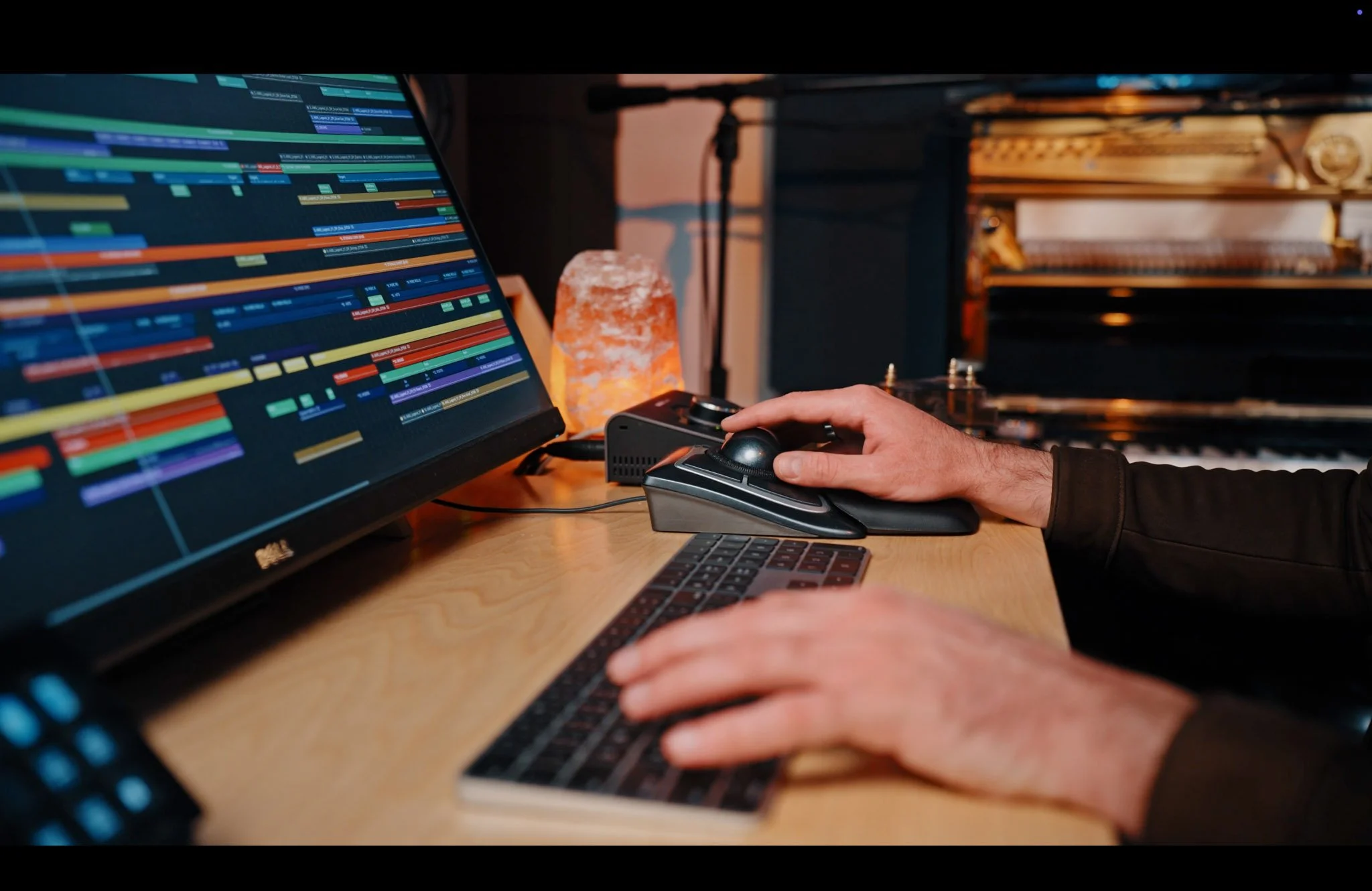
You've got the ideas. You've got the template. You're writing cues you like. But when you render the mix and A/B it against the reference track the music supervisor sent over, something is off — and you can't always name what. It's not the notes.
It's what's happening between them.
The low end is blurry. The strings don't breathe. The percussion doesn't hit. The mix sounds fine on your monitors and then collapses the moment it runs through the client's laptop speakers. You bounce, tweak, rebounce. The polish that separates your cue from the one that got selected lives in the last 10% — and the last 10% is where the tutorials stop.
If you're here, you've probably already done the work. You've bought the libraries. You've watched the YouTube breakdowns. You know what a Pultec does, roughly, and you've opened soothe2 before. What you don't have is the end-to-end decision framework — the one that tells you what to reach for, when, and why, on cue after cue, deadline after deadline, without starting from scratch every time.
That's what this course teaches.
Not a preset chain to copy. A way of hearing and deciding, built module by module, so the next cue you polish is faster and better than the last one — and the cue after that is faster and better still.
The course
Introducing Make Your Music Sound Pro.
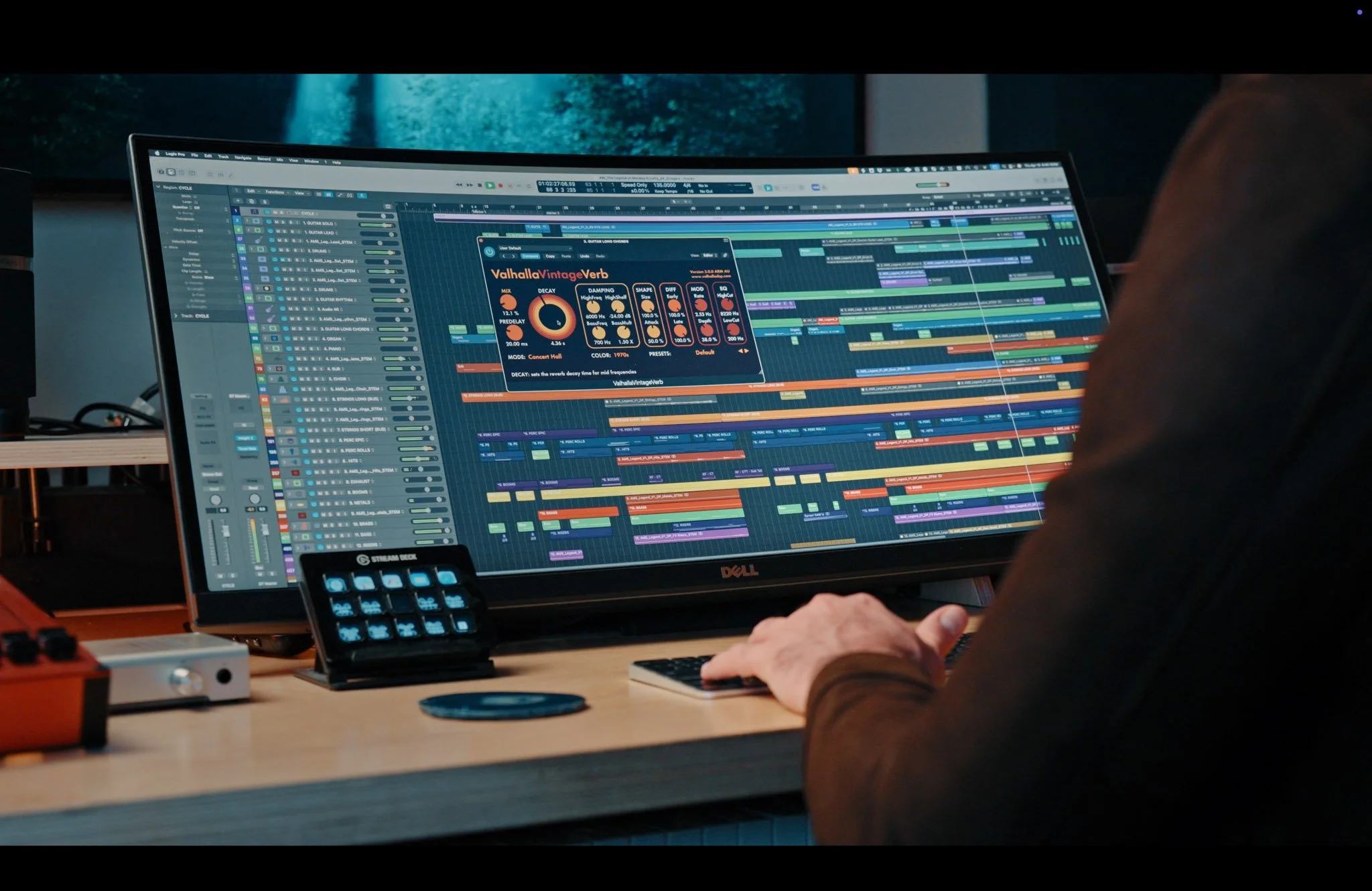
Ten modules. Self-paced video. One complete system for producing, mixing, and mastering media-composition cues to a level that survives music-supervisor scrutiny, loudness normalization, and the client's laptop speakers.
Production. Mix bus architecture. Mastering signal flow. Sample-library orchestration. CSS timing compensation, resolved. iZotope RX, Ozone 11, Pro-Q 4, soothe2, Gullfoss, Pultec, FabFilter Pro-MB, Decapitator, Devil-Loc. Every plugin taught with real settings, in the context of real cues, inside a framework that explains when and why to reach for each one.
Everything builds on the module before it. Nothing is prescriptive. By the end, you have the reasoning, not just the recipe.
Proof you can hear
Listen. Same cue. Before, and after.
Here is a before and after utilizing the lessons learnt in modules 4 and 7 on mixing and mastering. No live musicians have been recorded in either. This demonstrates how much stronger your demos can be when using the techniques in the course.
BEFORE - UNPOLISHED MIX, NO MASTERING
❌ Plugins muted - Mastering Disabled
AFTER - POLISHED MIX AND MASTERING
✅ Plugins Active - Mastering Enabled
Both audio files normalized to -0.5 for fair comparison. Same arrangement, same libraries. The only difference is the workflow.
Who's teaching this?
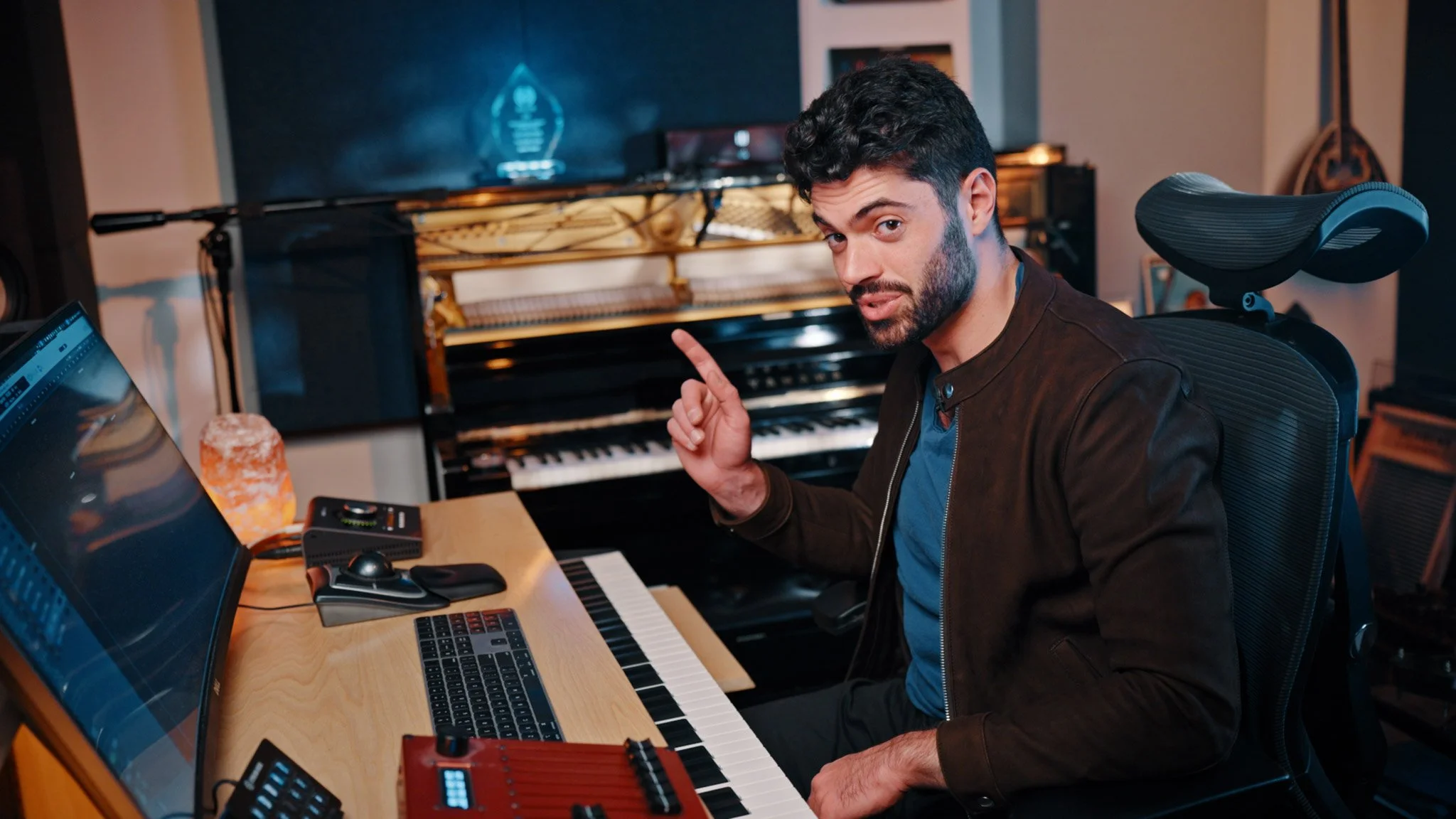
I'm Dan Tauber, an award winning trailer and video game composer based in Los Angeles. My music has scored marketing and launch campaigns for Dune: Part Two, The Marvels, Diablo IV, Toy Story 5, Call of Duty: Mobile, the Evil Season 3 main title, multiple Olympic Games campaigns, and roughly 125 other projects. I've tracked live musicians on sessions around the world — most notably the London Symphony Orchestra at Abbey Road.
I moved from Sydney to attend Berklee College of Music and spent several years as a core composer at Audiomachine — one of the biggest names in trailer music. This class is about the part nobody hands you: how a track actually gets built, mixed, and mastered to a professional standard. It's everything I wished I knew starting my career and it's what I'm here to teach you so you don't have to make the same mistakes I did.
Credentials
Who this is for.
This is built for you if you're…
- ✓ An intermediate media composer who's writing cues you like but losing the mix.
- ✓ An early-career composer trying to go pro, who needs the full production workflow, not more composition theory.
- ✓ An advanced composer moving into trailer, campaign, or media-sync work where mix polish is the selection criterion.
- ✓ A working composer who wants to consolidate scattered workflow knowledge into one end-to-end system.
This probably isn't for you if you're…
- × Looking for composition or orchestration theory — this course assumes you can write.
- × A total beginner to your DAW. You should know your way around Logic, Cubase, Pro Tools, or equivalent before starting.
- × Looking for preset chains to copy verbatim without understanding them.
- × Expecting a lifestyle/business course. This is a craft and workflow course.
The method
Building blocks, not copycat chains.
Most production tutorials teach you a chain. "Put soothe2 here, then Pro-Q here, then Pultec here, with these exact settings." You copy it, it works once, and the next time you load a different cue, it doesn't — because you never learned why the chain existed in the first place.
This course teaches the reasoning underneath every decision, module by module, so you become the person making the call.
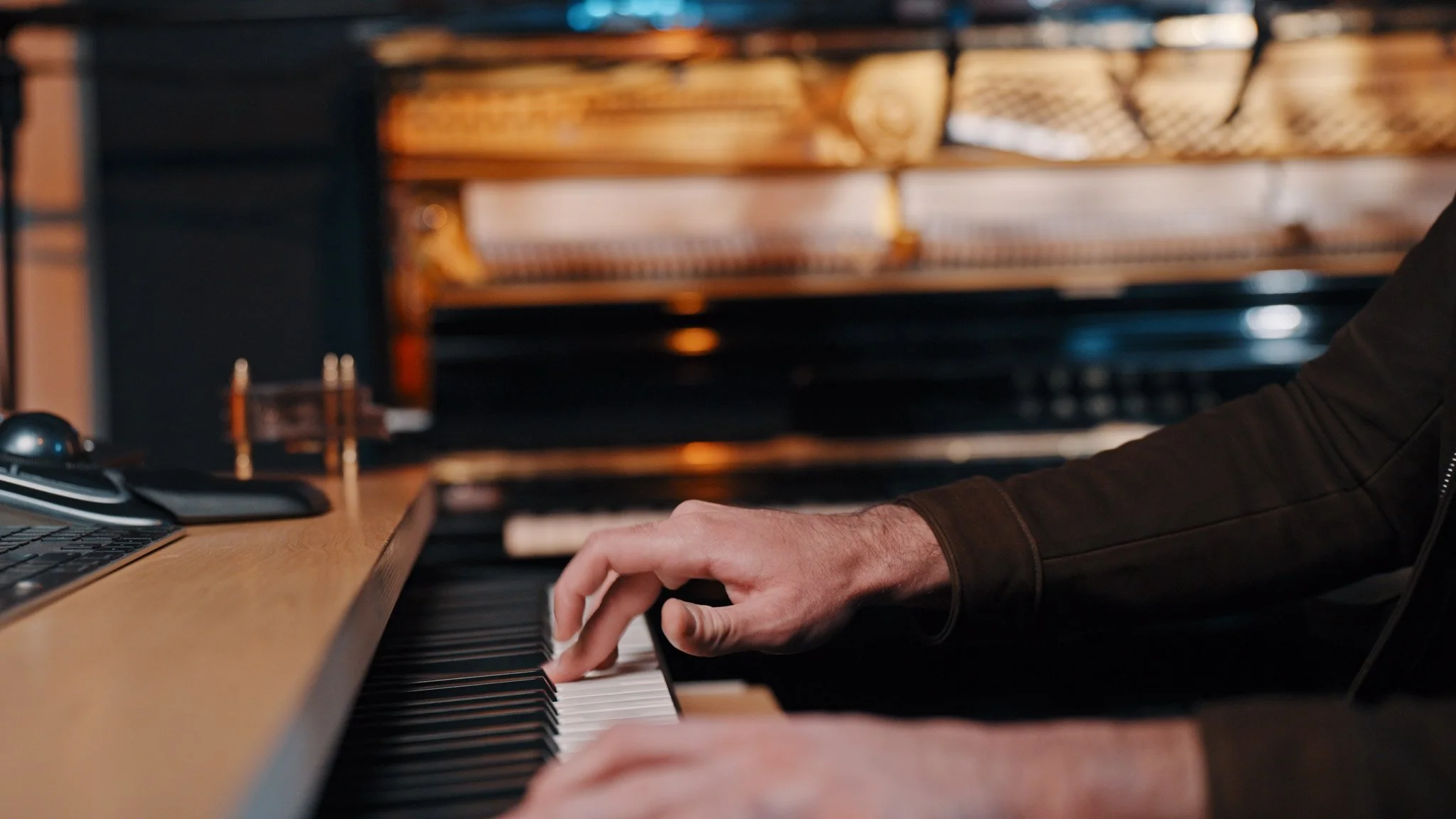
The painter's palette — how Module 1 reframes sample libraries.
You don't pick a library and live inside it for the rest of the cue. You build a palette — like a painter mixing from a limited set of pigments — and you pull from it depending on what the moment of music needs.
Which library actually gives you breath in the longs, and which one only pretends to. Why Spitfire and Berlin feel so different in the same arrangement, and when you want each. How to fix the Cinematic Studio Strings timing problem in thirty seconds with a Logic file you import on day one — instead of working around it for the rest of your career. When to reach for a section patch, and when to build the section from individual soloists.
The palette isn't a preset. It's a vocabulary. You learn what each library actually does, what it sounds like, what it doesn't do well, and how to combine what you already own.
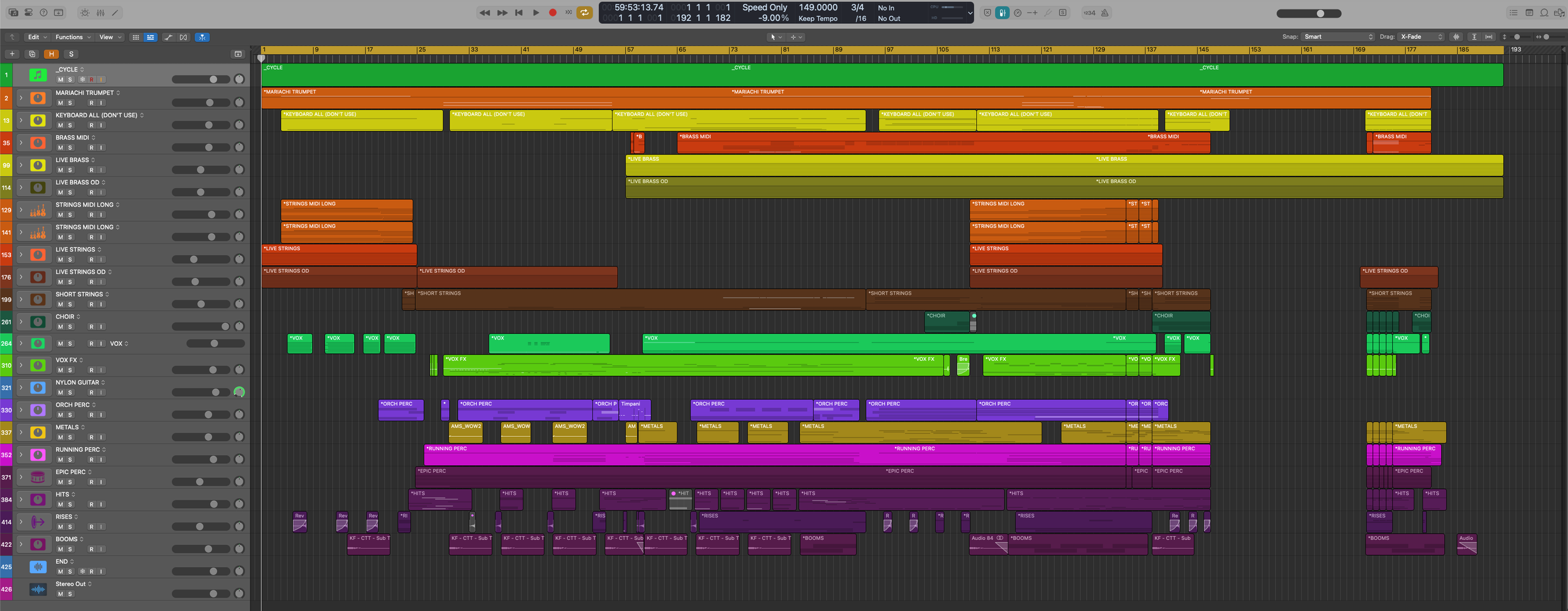
The mastering philosophy — clean before character.
Module 6 teaches a methodology-first mastering workflow — a specific six-stage signal flow, in a specific order, for a specific reason.
Why cleaning has to happen before character, and what goes wrong when you do it the other way. Which two stages most composers skip entirely, and how skipping them caps how loud your cue can get before it falls apart. How to hit –8 to –9 LUFS integrated for trailer and media delivery without crushing the dynamics out of the cue. And how to know, with your ears rather than your meter, when the master is finished.
Closing principle: create great music, not low numbers.
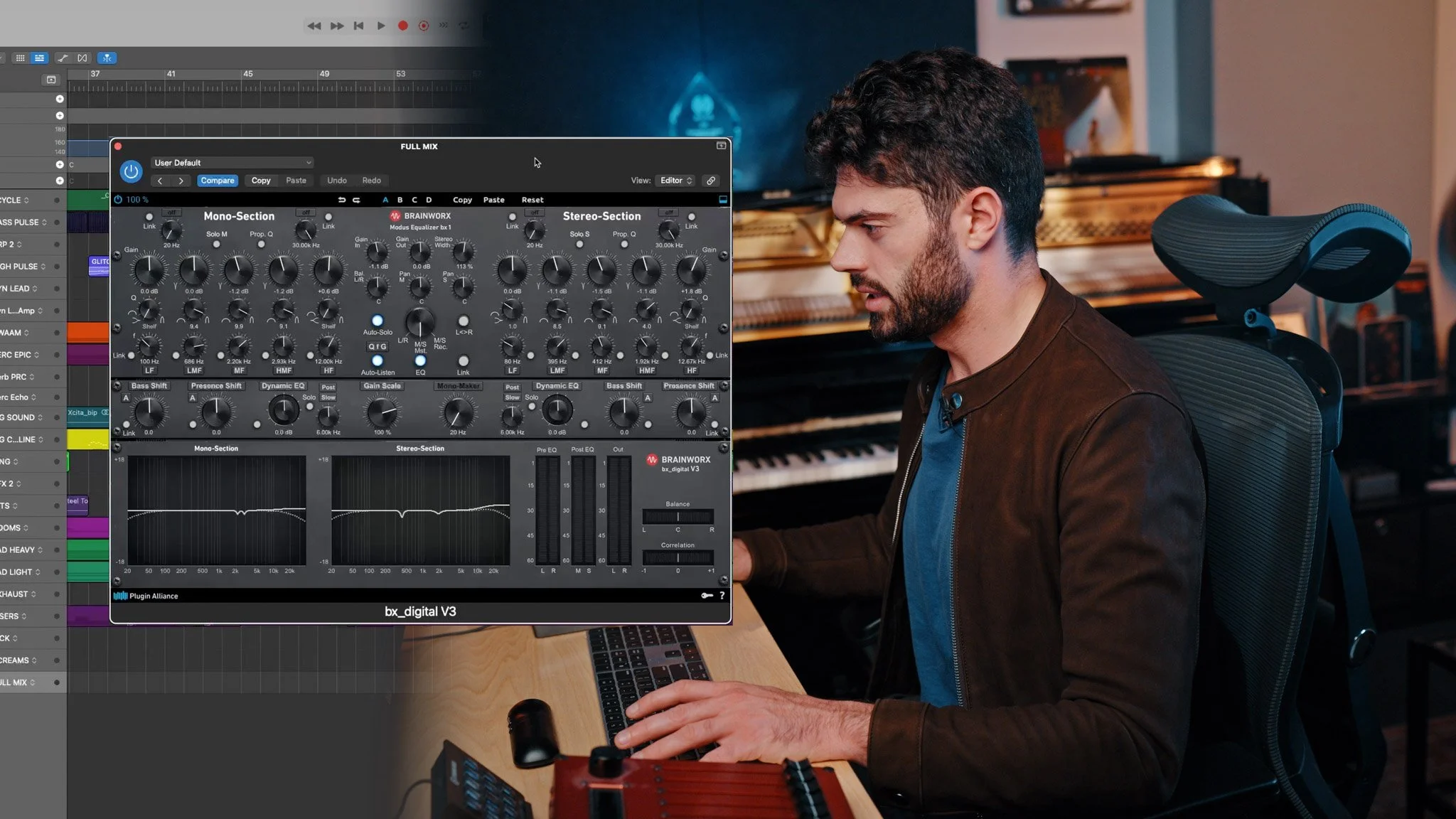
The curriculum
The 10-module curriculum.
Ten modules, five phases — the course moves in the order a working composer actually touches the cue. Template first. Production and mixing. Live recording and post. Mastering and reference. Then everything around the music: clients, case studies, craft philosophy, what to learn next.
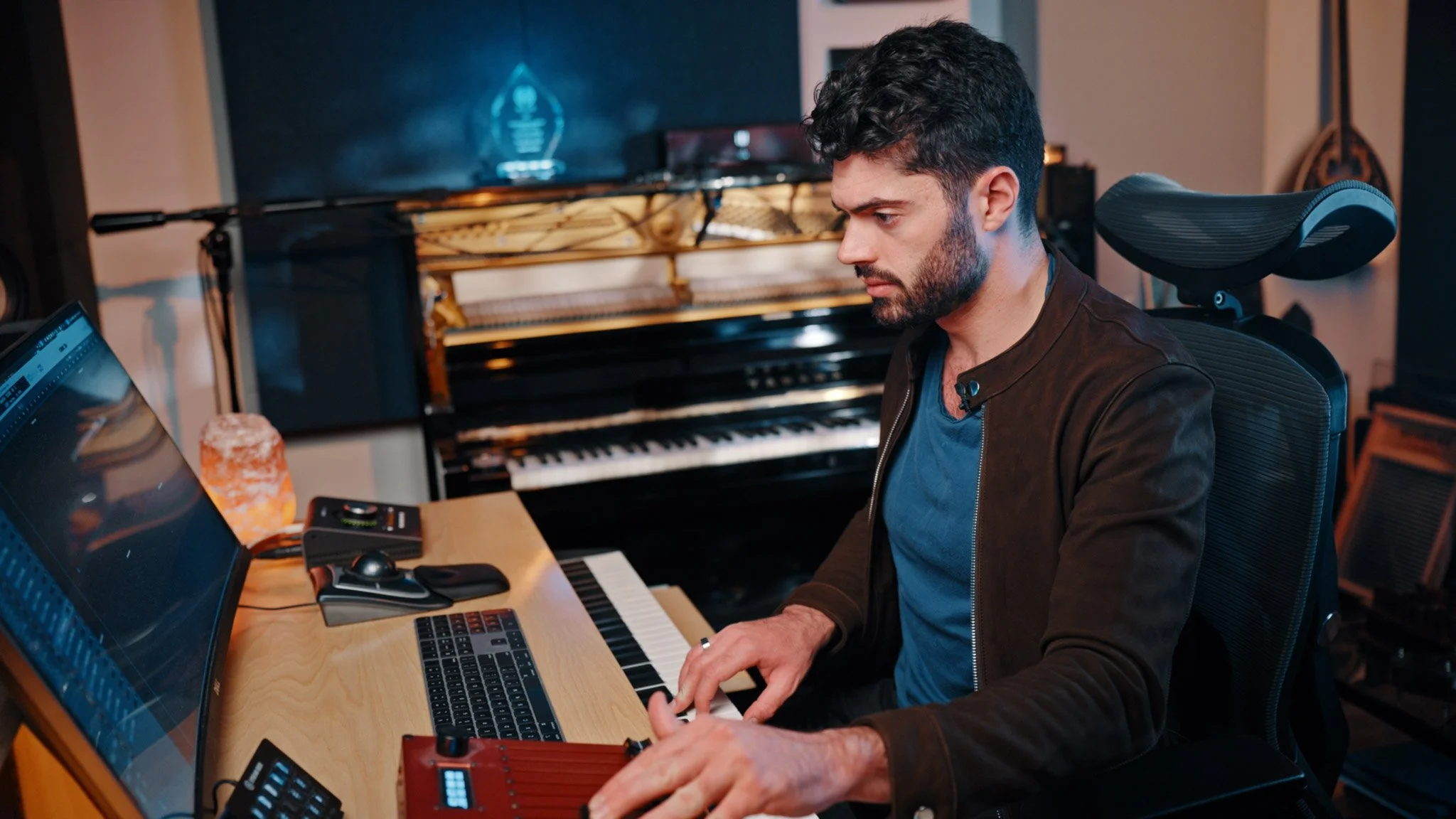
01Sample Libraries
You don't pick a library and live inside it for the cue. You build a palette — like a painter mixing from a limited set of pigments — and you pull from it depending on what the moment of music needs.
- Which libraries actually give you the sound you want and which ones only pretend to.
- How to fix the Cinematic Studio Strings timing problem in thirty seconds with a Logic key-commands file you import on day one — instead of working around it for the rest of your career
- When to reach for a section patch, and when to build the section from individual soloists.
- How to deal with timing issues from library to library.
02Template Building & System Management
Most composers' templates evolved by accident — built one track at a time over years, working fine until they don't. This module rebuilds yours from the ground up, as the system the next five years of cues depend on.
- How to make your template work for you rather than be constrained or have your creativity subverted by it.
- The organizing principle most templates violate — and why it makes every mix harder than it needs to be
- The five-finger bus technique that gets referenced across every mixing module afterward
- What to put on template tracks once, so you never have to do it again on an individual cue and save hours of time
- The reverb send setup that positions your instruments in a real room before you touch a single EQ
- The RAM and resource protocol that keeps the template from becoming the bottleneck when the deadline hits
- A full string template walkthrough, color coding
- How to get the most out of your percussion for a trailer ready sound
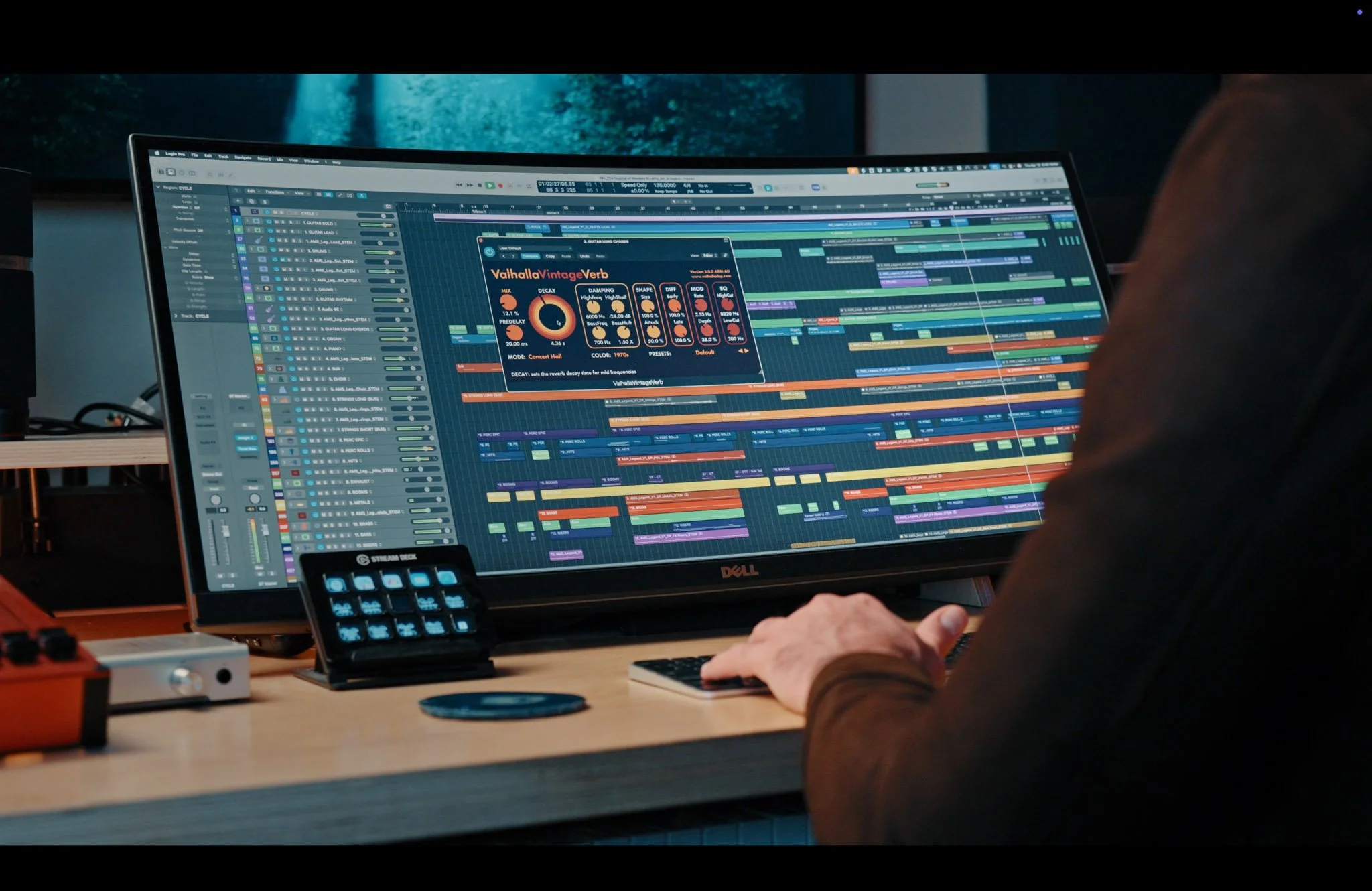
03Production and Mixing
The largest module in the course, and the one that fixes most of what's going wrong in the mix. Organized by what each category of sound actually needs — not by plugin, because reaching for a plugin is always the symptom, never the starting point.
- How to control resonances between different instruments from building up.
- How to get character out of saturation without the clipping and muddiness that usually comes with it
- Parallel compression and how to use it effectively.
- The low-end enhancement sequence that adds weight without mud.
- How to maximise the effectiveness of analog simulating plugins and not subtly distort them.
- The Plugin Quick Reference — one cheat sheet for epic percussion, long strings, short strings, brass, and full-mix trailer polish
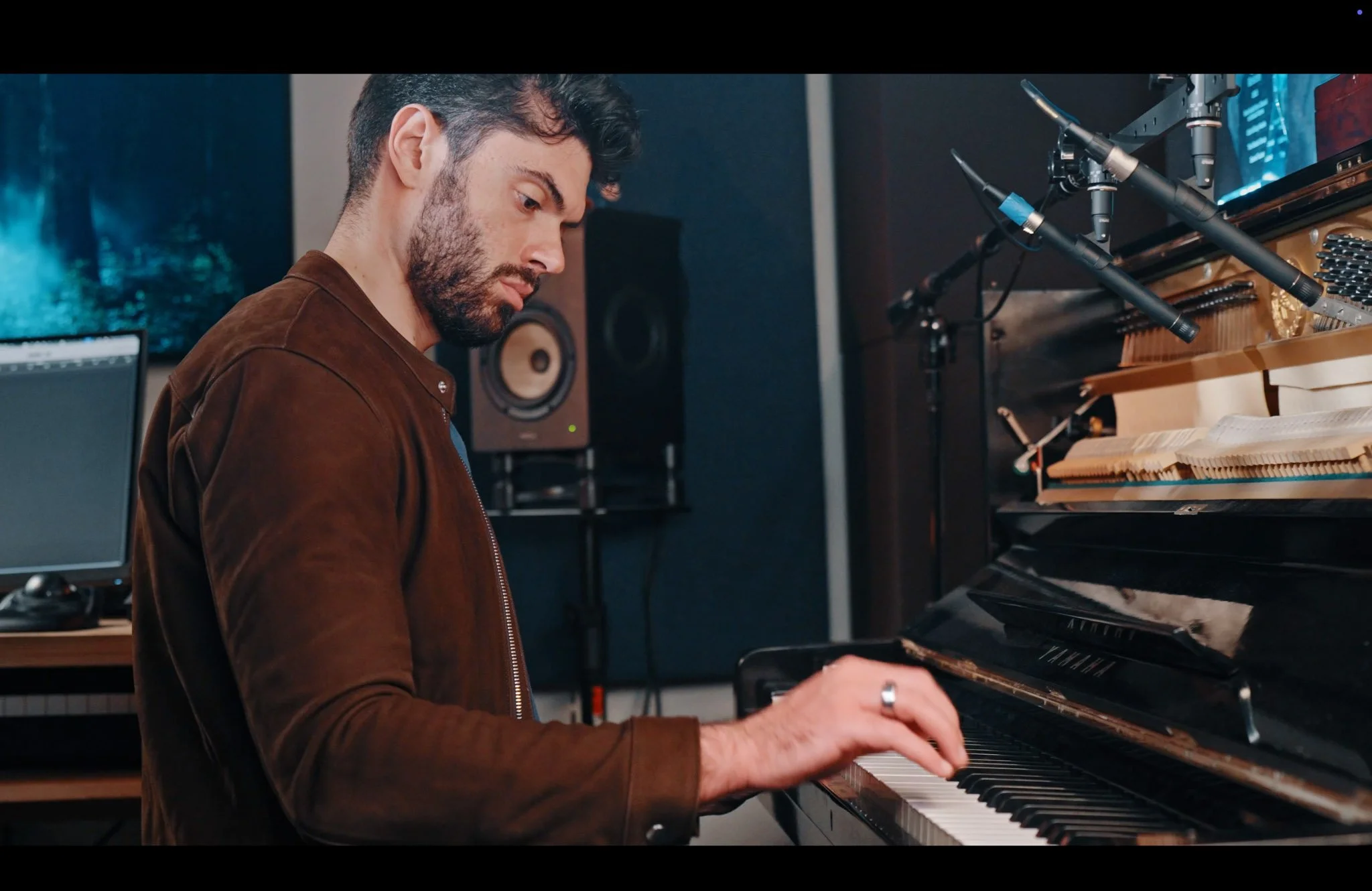
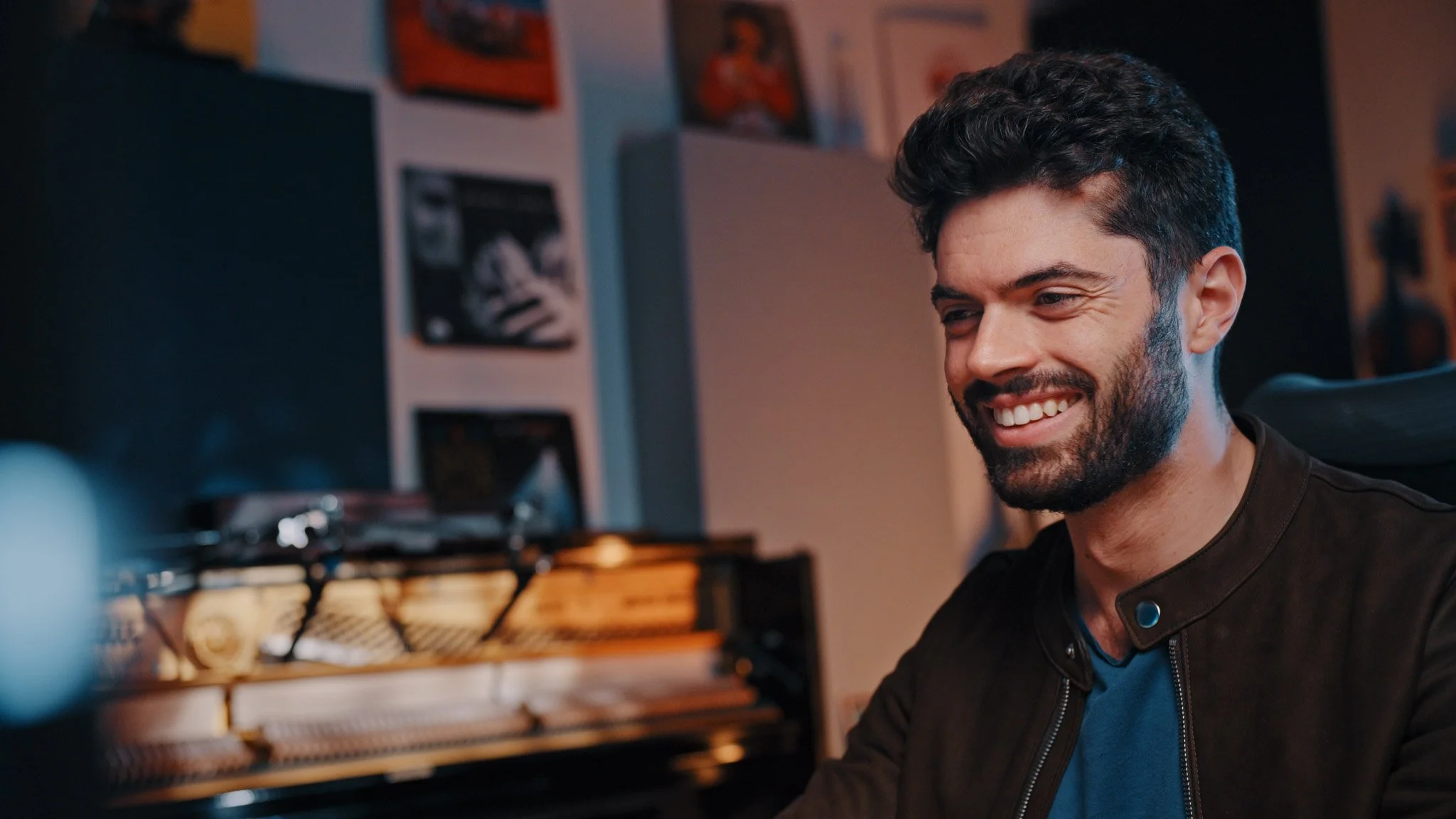
04Working with Live Musicians
Booking a player is the easy part. Whether you walk away with a usable performance — and a collaborator who picks up next time — comes down to what you hand them and how you direct them on the day. The human side of live recording, before a single mic goes up.
- How to prep a part a player actually wants to read — and the layout slips that quietly stall a session
- When a pro copyist is worth it, and what changes on the day once you bring one in
- The prep habit that turns a stack of takes into the one you actually keep
- Giving feedback that pulls a better performance without eroding the room — including the one word you should never say to a session player
- Why one well-run session is worth far more than its booking fee
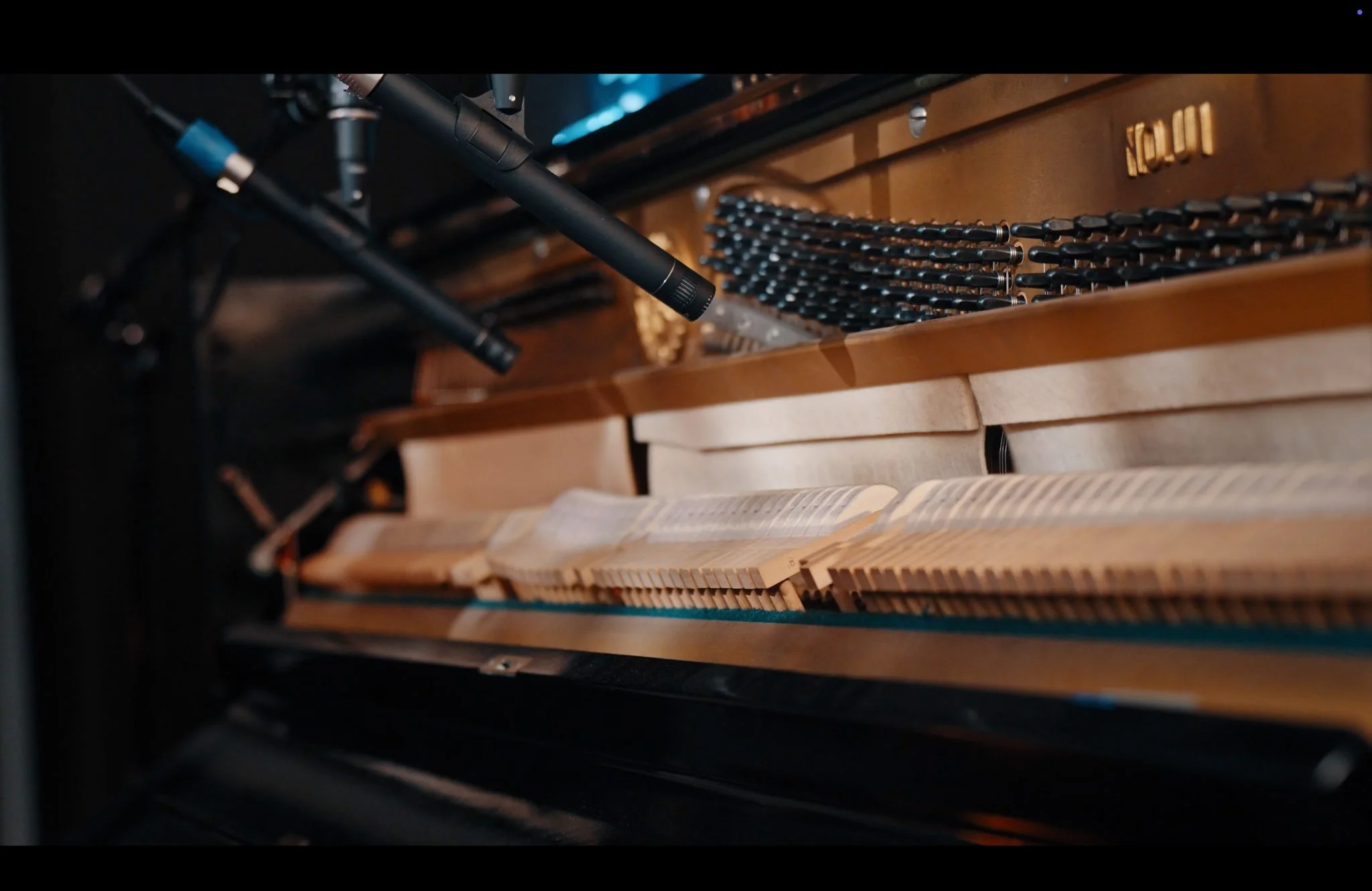
05Post-Recording
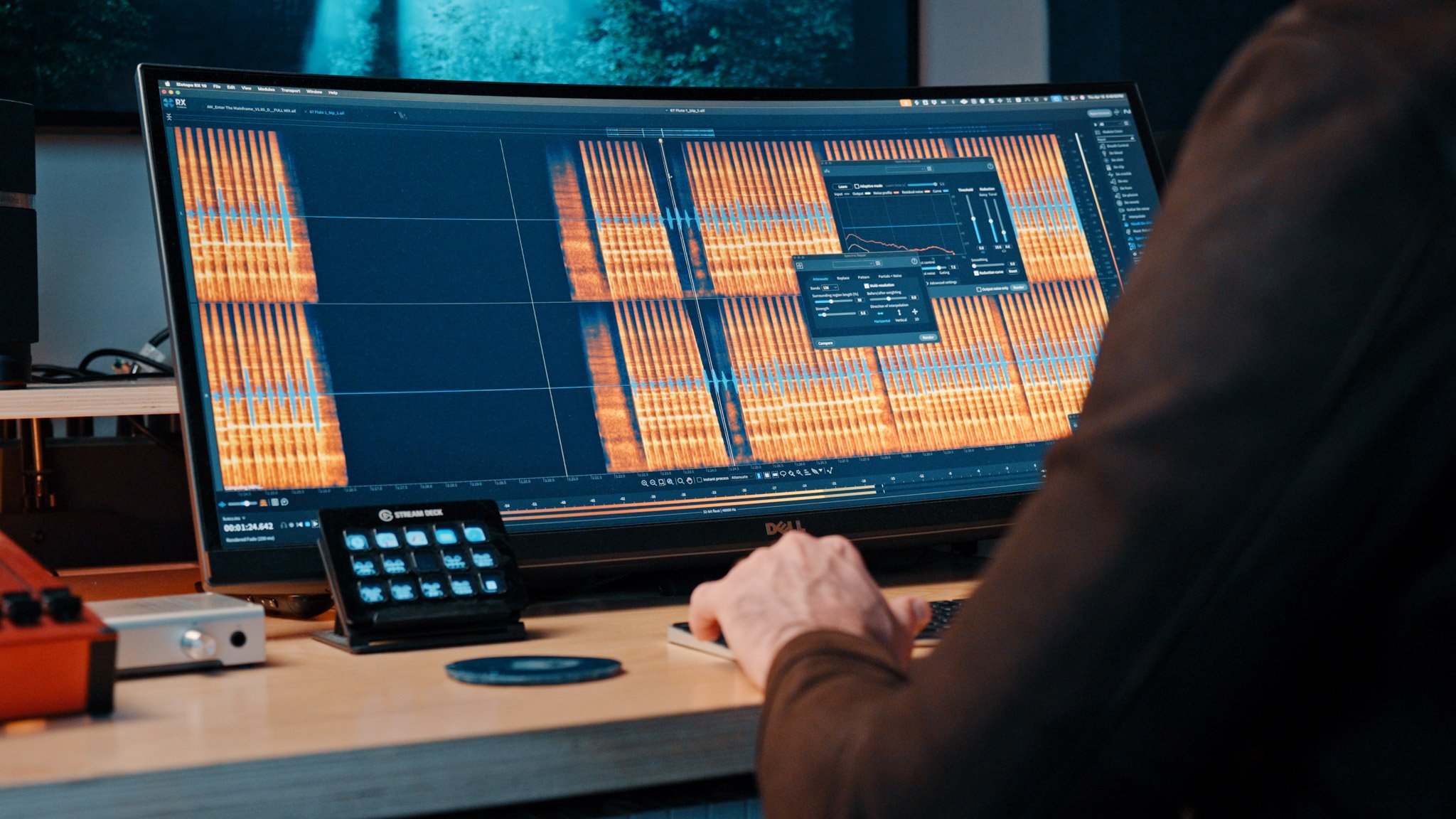
From the session itself through to a mix-ready stem, there's an order to the work — and most composers collapse it into one messy pass, then fight the artifacts for the rest of the cue. The capture, the cleanup, and the order they happen in.
- The 30 seconds of the session almost everyone forgets to capture — and the week of pain it costs later
- The RX cleanup sequence most composers get backwards, and what it quietly does to the performance
- How to repair what survives denoising without sucking the life out of the take
- When Melodyne earns its place on a live recording, and when it does more harm than good
- How to stop multi-mic phase issues from robbing your high end
- The backup-and-workflow layer that saves hours every project once it's set up
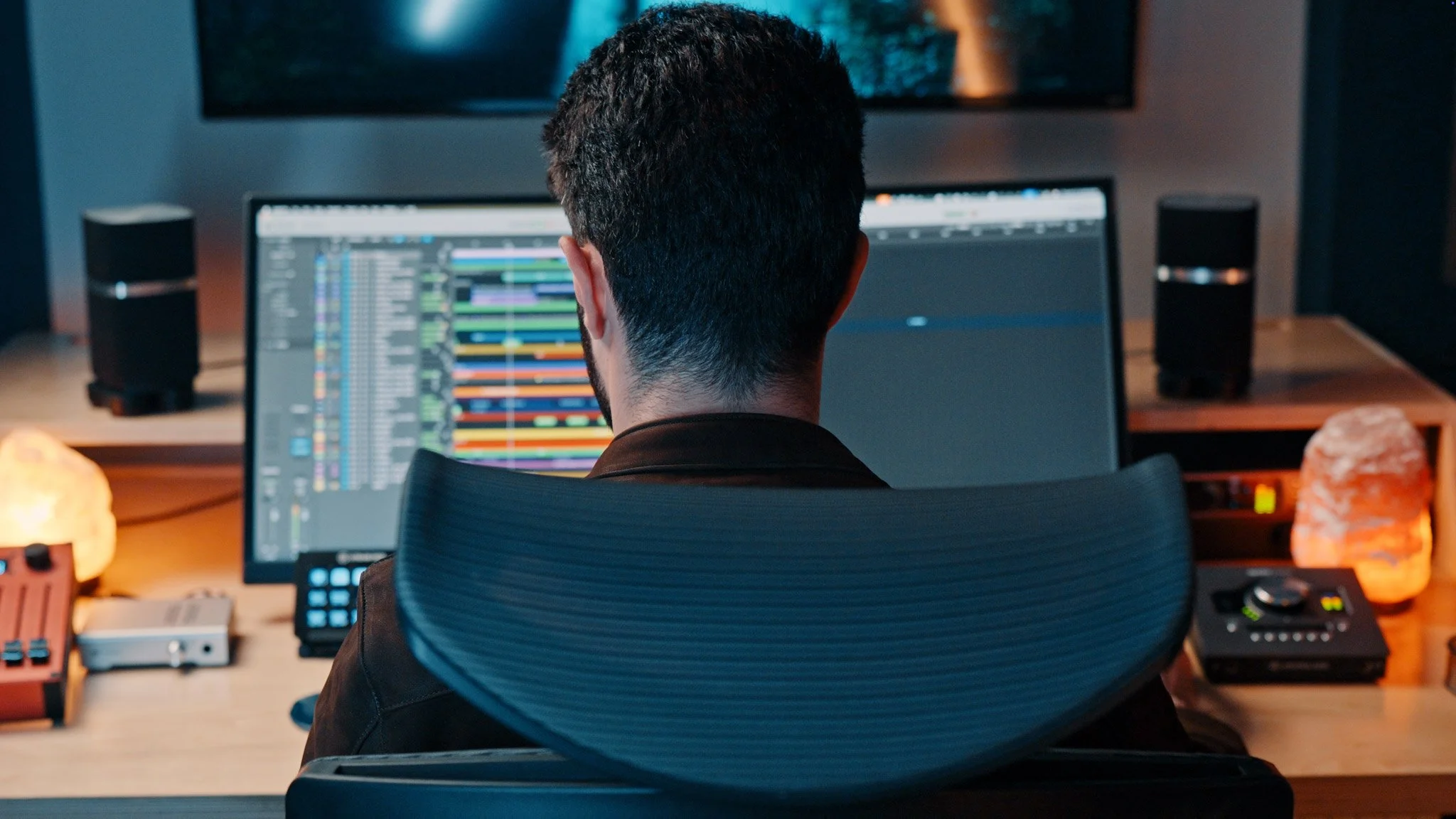
06Mastering
A methodology-first mastering workflow — a specific six-stage signal flow, in a specific order, for a specific reason.
- How to get your piece sounding competitive against other demos for the same gig.
- How to minimize issues to make mastering easier and more effective.
- Which stages most composers skip entirely, and how skipping them caps how loud your cue can get before it falls apart
- How to hit –8 to –9 LUFS integrated for trailer and media delivery without crushing the dynamics out of the cue
- How to know, with your ears rather than your meter, when the master is finished
- Before-and-after walkthroughs of a real cue through every stage
- How to handle revisions after a cue is mastered, without starting over
07Listening
Your cue will be heard on AirPods, laptop speakers, car stereos, and — rarely, if ever — your monitors. The discipline that makes a master translate across all of them is almost entirely unrelated to how it sounds on your setup.
- Why the headphones you're used to beat the "better" headphones you haven't grown with yet
- The laptop-and-AirPods test — and what it tells you about what your listener actually hears
- The car test, and why composers in LA still swear by it
- What to do when SoundID says your room is wrong and your ears say it's fine
- Referencing as a philosophy, not a checklist — mixing for translation, not perfection on one system
08Client Relations & Professionalism
You can write the best cue of the shortlist and still not get the job. The thing that separates the composer who gets hired from the one who doesn't usually isn't the music — it's everything that happens around it. That's what this module is for.
- The single sentence you should never say to a director, even though most composers say it in every call
- How to talk about your own music in a way that makes the client value it more.
- How to maximize the chances of landing the gig.
- The revision-handling posture that turns one-off jobs into repeat bookings
- The licensing conversation you need to have before you write a single note around a client's existing track
- The "book cover" principle for track naming, and why one of the most-licensed tracks in the catalog has a title that works when others wouldn't
09Philosophy & Mindset
The composing industry rewards grinding yourself into pieces — or at least, it tells you it does. This module is the counter-argument, made by someone who watched the healthy version of the career work, at a company that didn't require the alternative.
- How to build a sustainable career that compounds slowly
- When to put the artist hat on, and when to take it off
- Subjectivity versus objectivity in your own work
- A balanced life vs the grind-culture version
- How to navigate an assistantship or early-career role without burning out or being taken advantage of
10Continuing Education & Resources
Where to go after this course. Not a links dump — the specific resources that fill the specific gaps, and the ones to skip.
- What services can help you grow your craft even more.
- How to grow the fastest
- How to cultivate professional affiliations that actually get you work, and see the ones that are just dues
- The networking events that matter for media composers, and what to do differently at each
- Budget-friendly picks across mixing, mastering, orchestral libraries, production — including the one bundle that gives you more tools for less money than most composers realize
- The one non-composing skill you're undervaluing, and what investing in it returns over a career
Outcomes
By the end of this you'll be able to...
- Deliver broadcast-quality, placement-ready mixes that sit comfortably next to the trailer and game music your audience already hears in theaters and on Netflix.
- Carve space in a wall-of-sound arrangement using mid-side EQ, dynamic EQ, and Split EQ — so the lead cuts through and nothing turns to mud.
- Surgically tame harsh string and brass resonances with Soothe and dynamic EQ, instead of dulling the whole mix with a blanket cut.
- Comp and edit live recordings across multiple mics at once with grouped tracks and crossfades, so overdubs lock in tight and your demos sound expensive.
- Direct live players like a seasoned producer — marking takes with a quick shorthand, giving every pass a clear target, and using the psychology of session language (it's "intonation," never "tuning") to pull better performances out of musicians in less studio time.
- Build a complete mastering chain you actually understand stage by stage — clean-up before character, a series of 1% moves — and recognize when a problem belongs back in the mix, not the master.
- Master your own cues to competitive loudness so your demos hold their own in a supervisor's inbox full of other composers.
- Set up a listening environment you can trust and reference your mix the way directors actually hear it — phone speaker, AirPods, car — so your music translates everywhere, not just in your room.
- Talk to directors and music supervisors in a way that earns trust and repeat hires — articulating every musical choice through their vision instead of your ego.
- Name your cues so an editor wants to use them before they've even pressed play.
- Develop your own recognizable voice as a composer — applying all of this judiciously rather than as plug-and-play presets — so clients eventually start coming to you for your sound.
The offer
Included with enrollment.
- The 10-module / 5-phase video course (Foundations → Production → Recording & Editing → Mastering & Polish → Professionalism)
- 10 per-module cheat sheets
- Track delay reference (CSS, CSB, Oceania, Performance Samples offsets)
- Mastering chain reference
- Plugin & software master list with direct links
- Custom Logic key commands
- A dedicated app for Logic Pro for boosting your productivity with macros
- Macros for Auto Slice at Transient, Auto Quantize Region, Cinematic Studio Strings legato adjustment, and Duplicate MIDI Octave Up or Down
- Quote / price calculator
- Invoice generator
- "Start Here" onboarding guide
- Module summaries + 70-question knowledge checks across all modules
One private session. Screen-share your own track and leave with a personalized production roadmap.
You pay $800 for $1,986 of value, and the 1:1 consult is only free for the first 25 to enroll.
Every cue that sounds unfinished costs you twice: the placement it missed, and the supervisor who quietly files you under not ready. Stop having your cues passed over.
Go through the whole course. If it isn't for you, email within 14 days for a full refund. No questions, no hoops, and you keep every cheat sheet, macro and reference file.
Frequently Asked Questions
Is this a composition or songwriting course?
I'm not scoring blockbusters — is this actually for me?
How long does the course take to complete?
What skill level is this aimed at?
Which DAW is the course taught in?
Do I need every plugin you cover in the course?
How is this different from free YouTube tutorials or paid subscription platforms?
How long do I get access?
What if I can't afford the full $800 upfront?
Can I try a module before enrolling?
Enroll Now
Ten modules. Lifetime access. Cheat Sheets. Custom Productivity Macros. 14-day no-questions guarantee. $800 or four payments of $200.